- Home
Happy Hardcore
- 2000s HHC T-RackS preset
- Happy hardcore resources
- Synths and samples
- Rave piano tricks & tips
- How to supersaw
My stuff
- VST plugins
- My music
Opinions & Other
- Quick & easy cover art

Making album covers quicky and easily
This is a guide for making cover art for your songs as quickly and easily as possible. Spending a little bit of time on the cover, even if it's just curating an image and some colours that fit the song, adds a little bit of human connection and gives a visual identity to your music that will stick with people.Why should I care?
The old saying is to never judge a book by its cover, but I think it goes without saying that most people do that at least a little bit anyway. I release my music on Bandcamp, and good chunk of the people who find my music come from the feed on the front page. That feed is nothing but album art, and so having some cover art that makes people who see it scroll by think "hey maybe I should take a look at that" makes a real difference.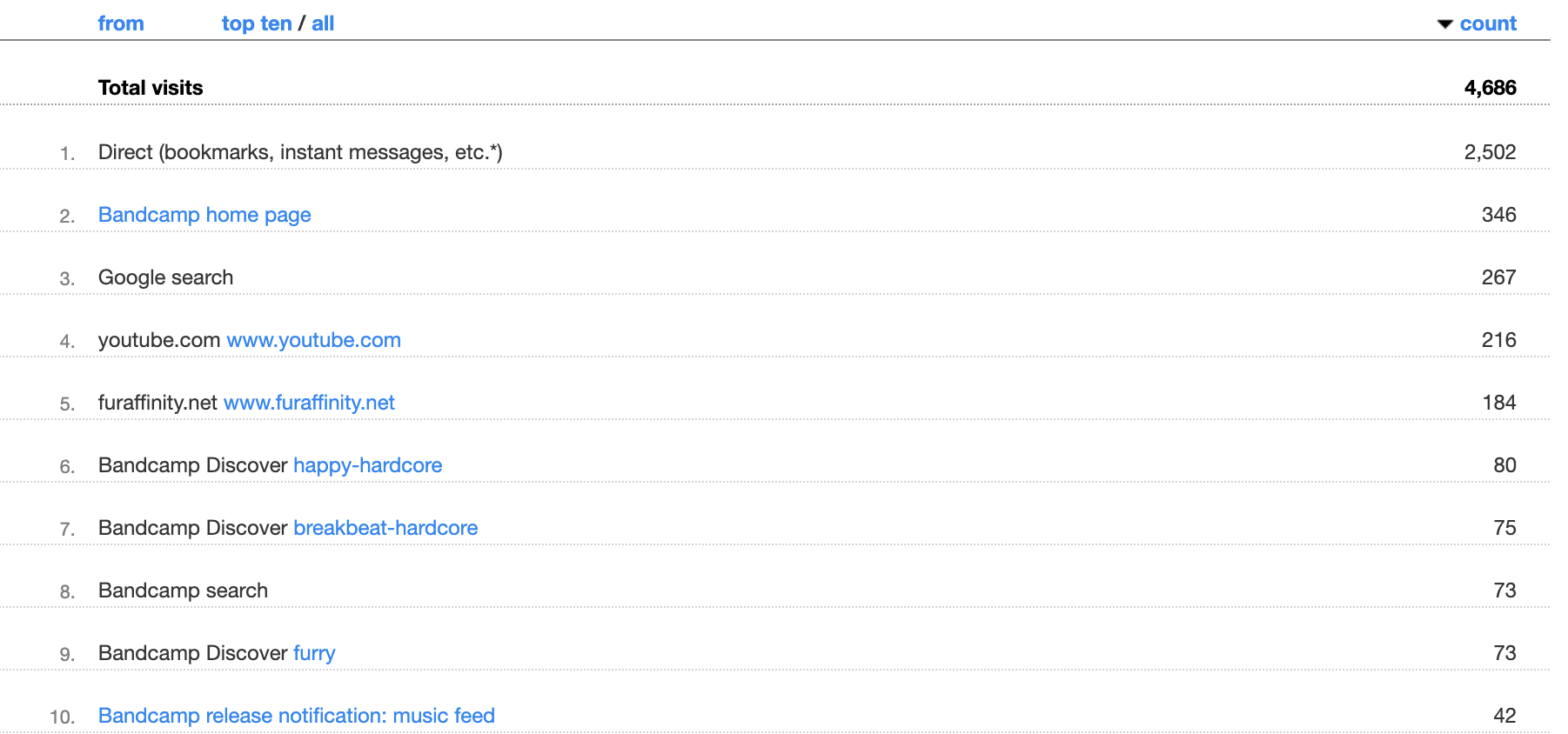
I hand-draw all my cover art but not everybody wants to put that much work into it, and there's no shame in not wanting to spend a ton of time and effort on something that isn't the actual music. This goes double for record labels who release songs frequently. So this guide is for a way to make cover art simply, quickly, and at no cost. Even with those constraints, you can still make something that's more than good enough!
This is written for everyone, even if you've never touched image editing before in your life. If you already have a bit of experience with that this will be a breeze!
Introducing: The Template
The idea is to create a "template" document, which has your/your label's logo and information in place, a place to put the song information, and then a background element. Once you've created your template, you can make a new album cover in seconds by changing the text, and then changing the background and/or the colours. Let's make a simple one!Before we start: The Tools
For all of these you'll need an image editing program. Luckily, Affinity is free and easy to use, but any program where you can add shapes, text, and layers will work. I'm going to use Affinity's vector editing for this. I'm still on version 2, but all of this should work about the same on version 3 too!You'll probably also want to download some nifty fonts to use. Sites like 1001 fonts have a lot, just make sure you filter by "free for commercial use"!
Step 1: Set up your document
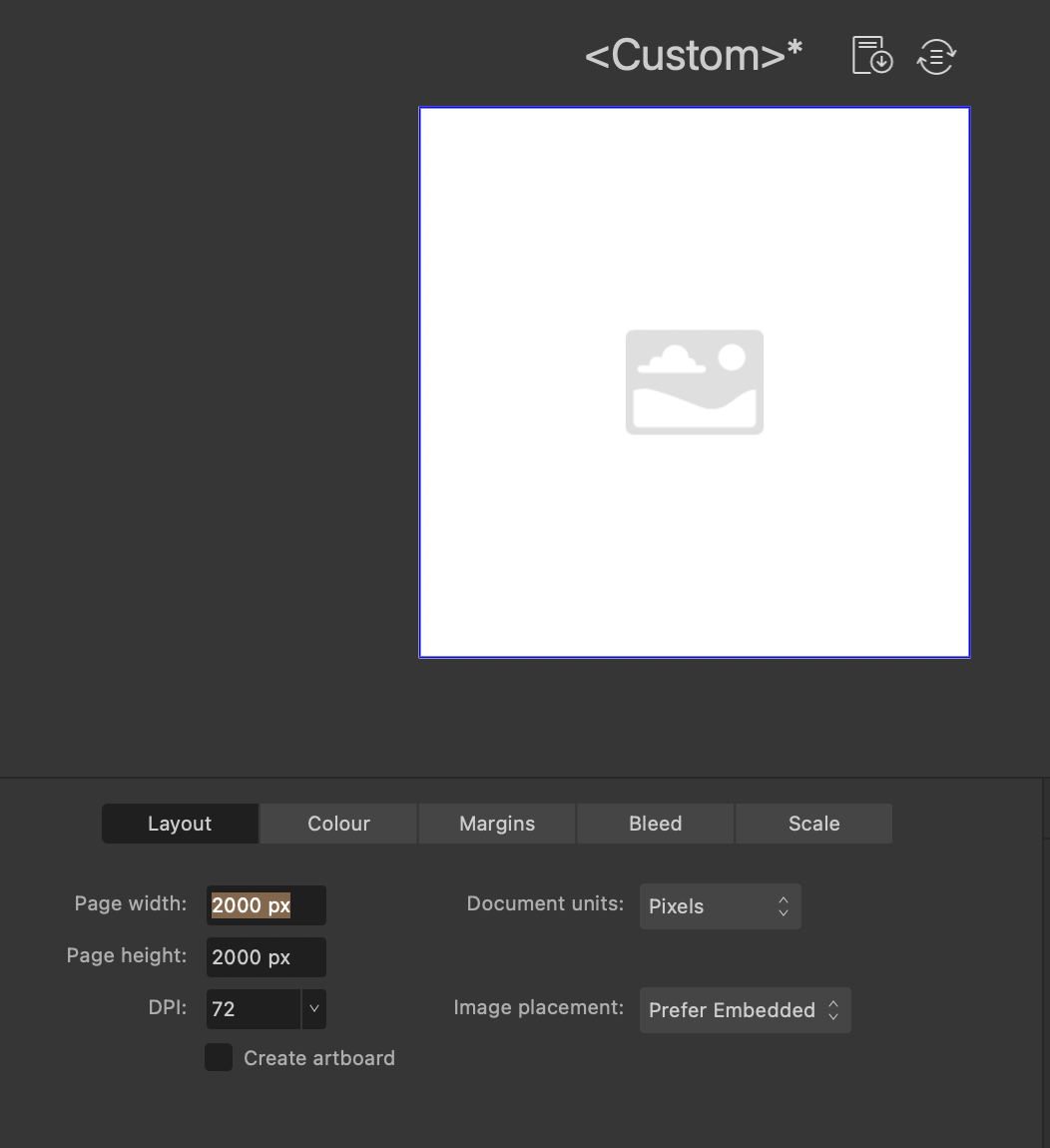
Bandcamp wants images that are at least 1400x1400 resolution, so I'm rounding up to 2000x2000 here. It doesn't matter so much what we set this resolution to now, since we can change it when we export.
Step 2: Add your song information text
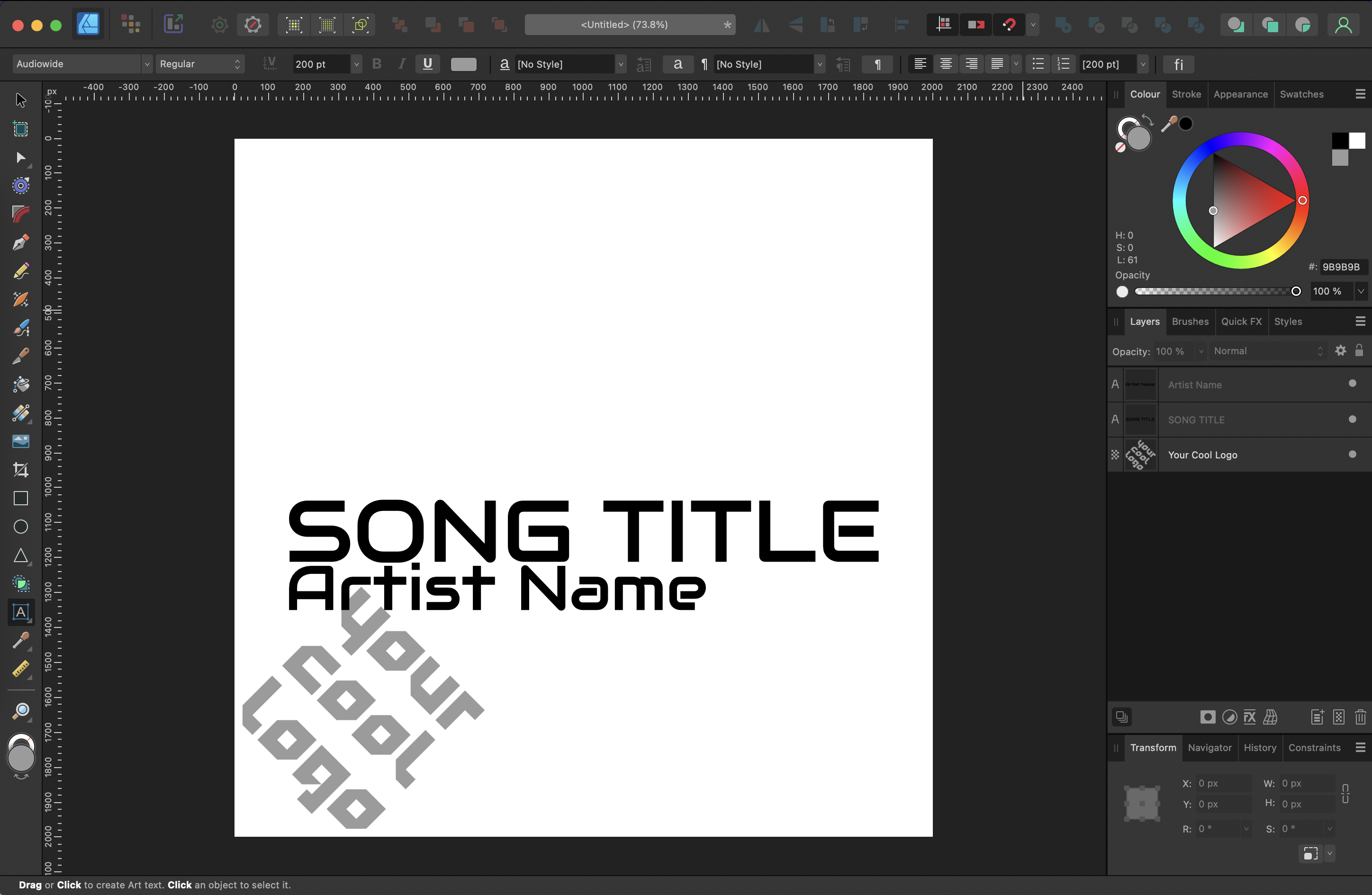
Using the text tool and one of the cool fonts I downloaded earlier, I'm going to add the song title and artist name somewhere in the image. This can be off-centre or centred, it's up to you and to be honest doesn't matter all that much.
If you also have a logo you want to use this is a great time to drag and drop it into the document and reposition it how you want.
Step 3: Add your background
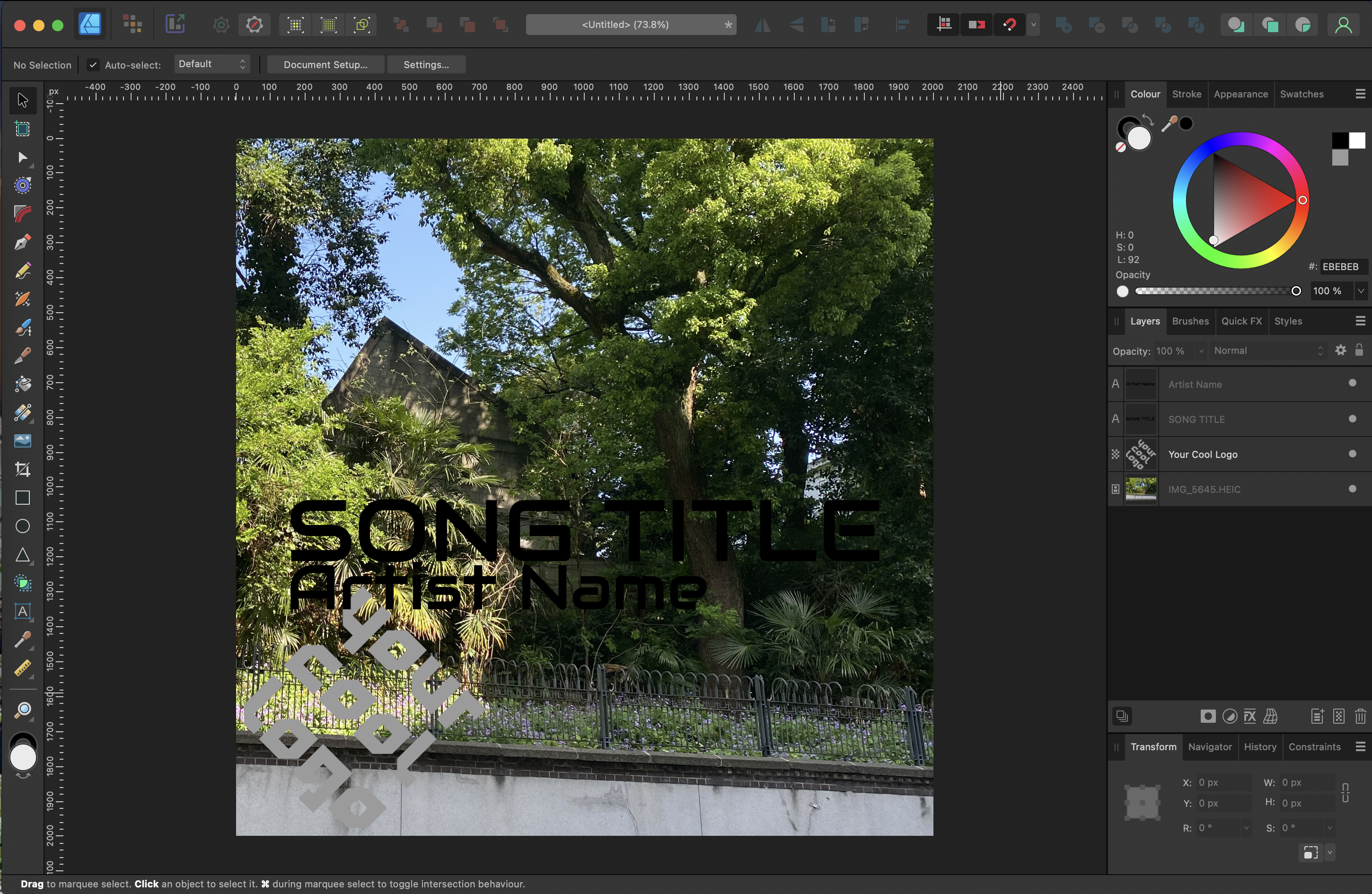
You have to be a little creative here. Here are some easy ideas for background elements.
- - a public domain image (you can filter these by license when searching for images)
- - a picture you took yourself with your phone
- - literally just a flat colour
Adjust colours
Next change the colour of the text to be visible and fit in with the background image. Using a different colour for the title and artist name can look cool too.Optional: add some extra elements
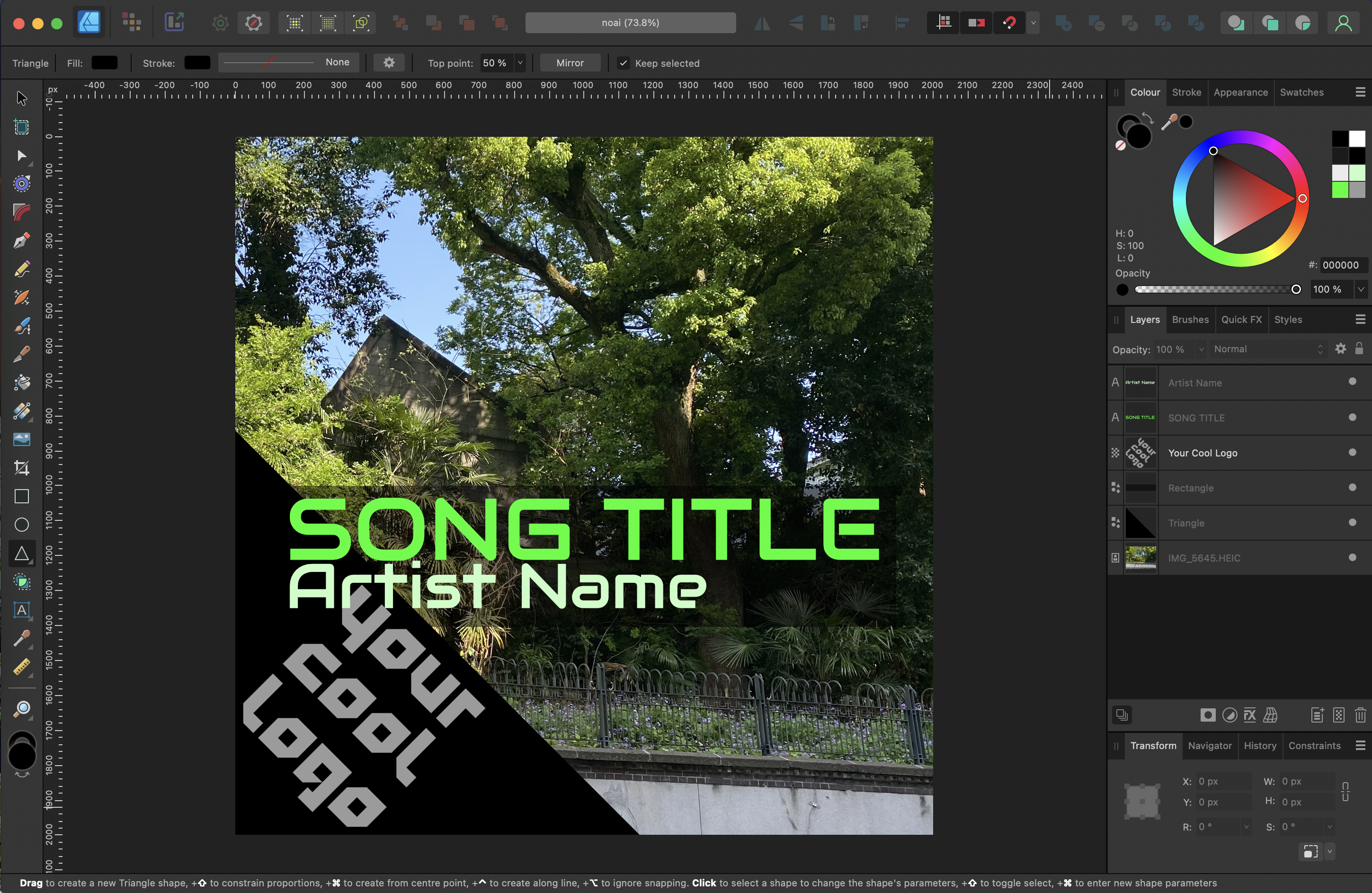
I want the name and logo to pop a bit more so I'm going to use the Rectangle Tool and the Triangle Tool to add some shapes behind the text. For the song title and artist name rectangle I'm going to make the shape transparent too.
you're done!
Using the template
Now that we've got this template image if I want to use it for a second song all I have to do is- replace the background image
- change the text colours
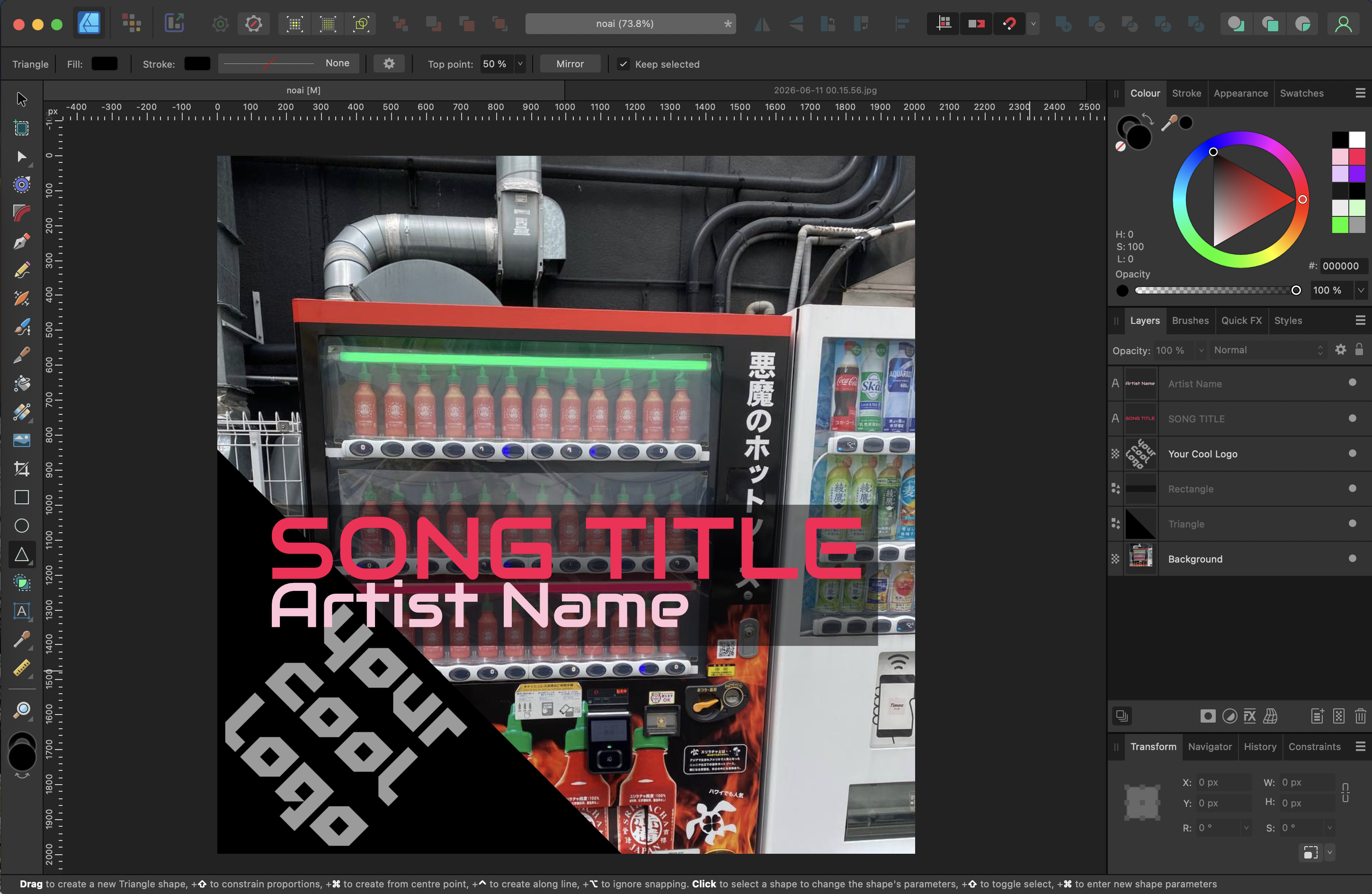
it only takes a minute!
Extra Credit
Try adding some of the built in FX onto your background image. Motion blur is a good one, anything in the distort category really.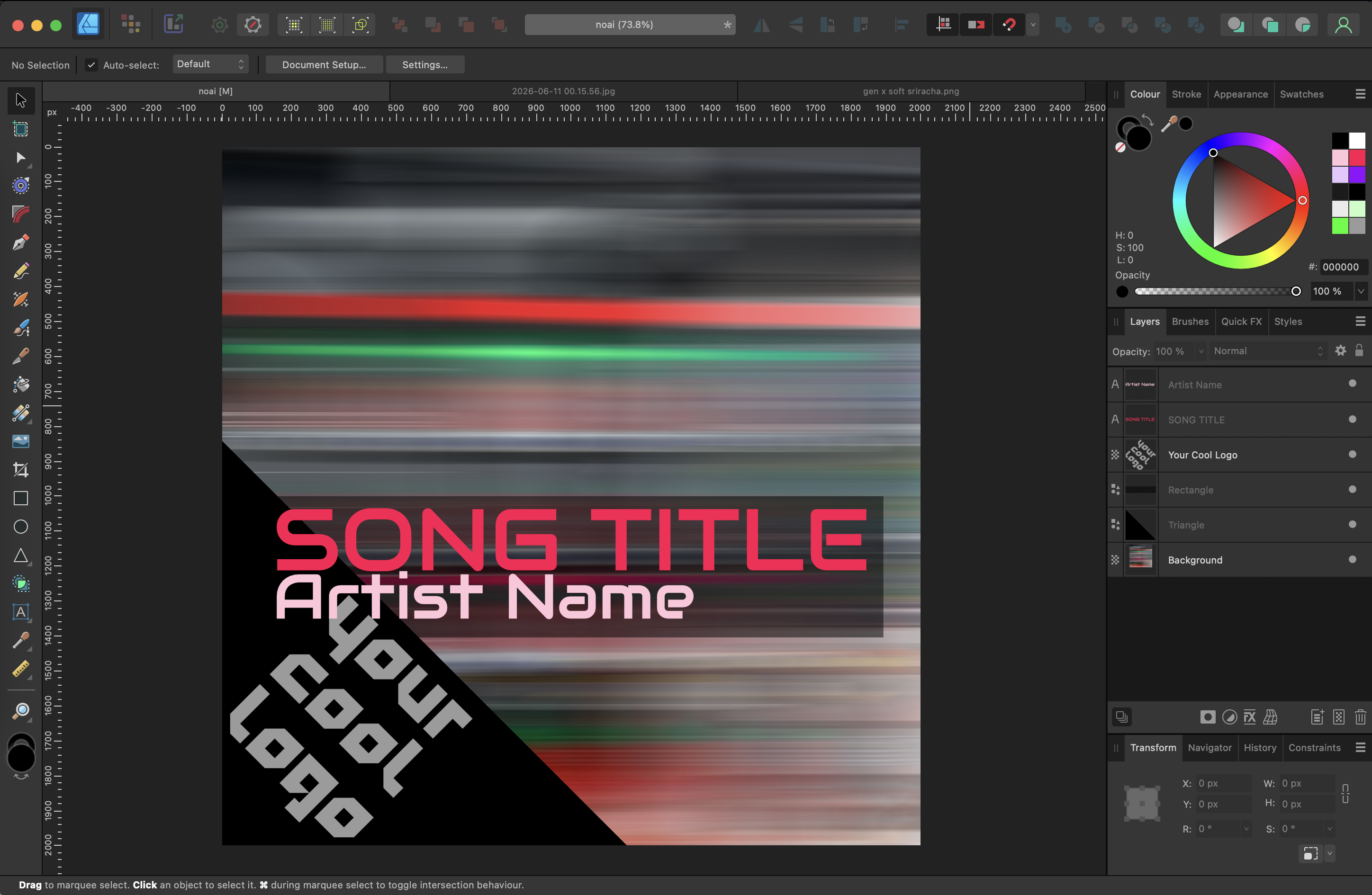
The elephant in the room
You should consider avoiding using AI image generation for your cover art. AI generated images are broadly very unpopular in general.
I don't think the reasons why are particularly important for this discussion, but it does legitimately put people off of your music before they press play and as such I don't think it's wise to use.
You might be looking at what we made above and think it looks kinda cheap, and you're not wrong! This is the easiest way to do this. If you spend some more time on the background FX, use a cool logo as your main background element, or add some more elements you'll be rewarded for it.
BUT
it reads significantly better than an AI generated image does. Someone might look at an AI generated album cover and ask themselves "why should I care enough to listen to this if they didn't care enough to put any effort into the presentation". This does not trigger such thoughts.
Other ideas to consider
- - skip the text entirely, just use a photo
- - get a professionaly made logo once, recolour it over and over
- - use an abstract pattern instead of a photo
A polite request
The guide is over, this is the opinion zone.I have seen a lot of happy hardcore songs with AI generated covers and it kinda makes my heart sink every time. When I go to listen to the song and see it, it brings the mood down a bit. I know I'm not alone in thinking this.
If you've already put up releases with AI generated album covers, please consider going back and making them a cover by hand. I promise you in five years you'll be glad you did, and if you send out a notification email to your followers afterwards saying you replaced the covers, it will earn you some brownie points with your audience.